How it works
How Does a Hologram Fan Work?
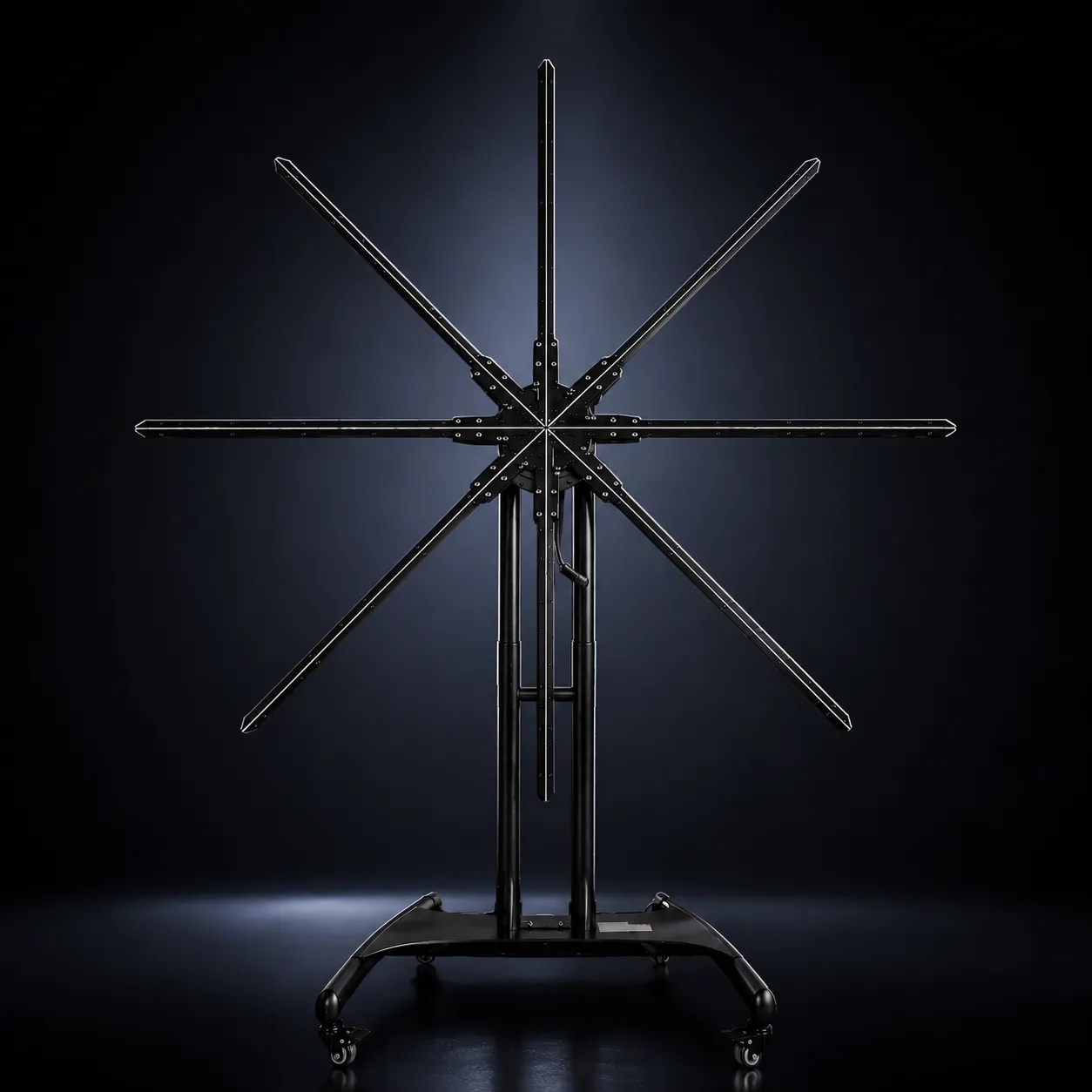
A 3D hologram fan creates a floating-image effect by rotating LED-equipped blades at high speed while precisely controlling when each LED turns on and off. Your visual system blends those rapidly changing points of light into one complete image.
A hologram fan spins LED blades while a controller times each LED to the blades’ position, lighting only the part of the image that belongs there. The pattern repeats so quickly that your eyes blend it into one continuous image that appears to float. The display itself is a flat rotating plane; the sense of depth comes from the content.
On this page
At a glance
- Display type Rotating LED (persistence of vision) display
- How the image forms LEDs timed to the blades’ position
- Why it floats No rectangular panel behind the content
- Where depth comes from The content: perspective, lighting, motion
- Content delivery WiFi/App or HDMI, depending on the model
- True volumetric hologram? No. The image is drawn within a display plane
What are the main parts of a hologram fan?
Designs vary between manufacturers and models, but a commercial hologram fan relies on five systems working together. Unlike a projector, it doesn’t cast an image onto a wall, screen or transparent surface: the rotating LEDs generate the visible image directly.
High-speed motor
Drives the rotation
Rotates the LED blades. The motor has to hold a stable rotational speed, because the LED data stays synchronized with the blades’ position; changes in rotational timing can affect image stability.
LED display blades
Draw the image
LEDs are mounted along rotating arms. Each one becomes a moving point of light, and by controlling position, color, brightness and timing the system reconstructs part of the image throughout every rotation. The result is a full circular visual, even though the LEDs only occupy narrow blades.
Display controller
Keeps everything in sync
Coordinates the content with the blades’ rotational position, deciding which LEDs light, where, when, how brightly and in what color. This synchronization is central to a stable image.
Content playback system
Delivers the visual
Receives and processes the content. Depending on the model, that can mean app control, onboard storage, local files or an external HDMI input. How content reaches the display
Power system
Feeds the whole system
Powers the motor, LEDs and electronics. Requirements vary with display diameter, LED count, brightness, motor design and configuration, so permanent installations should plan power and cable routing from the start.
The mechanism
How the image is created, step by step
At a simplified level, six things happen continuously while the display runs. Steps three to six repeat on every rotation.
Content is prepared
A product render, logo, character or motion graphic is created for the display.
Content is loaded or sent
Through the app, local storage, a network or HDMI, depending on the model.
The blades rotate
The motor spins the blades while the system tracks their rotational position.
LEDs light at set positions
Only the part of the image that belongs at each blade position is lit.
The pattern repeats
Rotation after rotation, fast enough for the points to combine.
One image is perceived
Instead of moving LEDs, the viewer sees one complete visual.
Simplified sequence. Synchronization methods vary by hardware.
What is persistence of vision?
Persistence of vision, or POV, is the term commonly used for displays that build a complete image by moving light sources rapidly through space.
If light changes slowly, you see individual flashes or positions. When the changes happen quickly enough, those separate events appear continuous. That is what lets a limited number of LEDs on narrow blades visually fill a much larger circular area.
The name is a convenient shorthand. Human motion and flicker perception involve several visual processes rather than an image simply lingering on the retina, but the practical result is the same: rapid, precisely timed light reads as one picture.
Why does the image appear to float?
The floating effect comes mainly from what isn’t there: a conventional rectangular display surface. On a television, every pixel sits on a visible panel. On a hologram fan, the LEDs sit on narrow rotating blades. While it runs:
- illuminated parts of the content stay visually prominent
- dark or black areas produce little or no visible light
- the rotating hardware becomes less visually dominant
- there is no bright rectangle framing the object
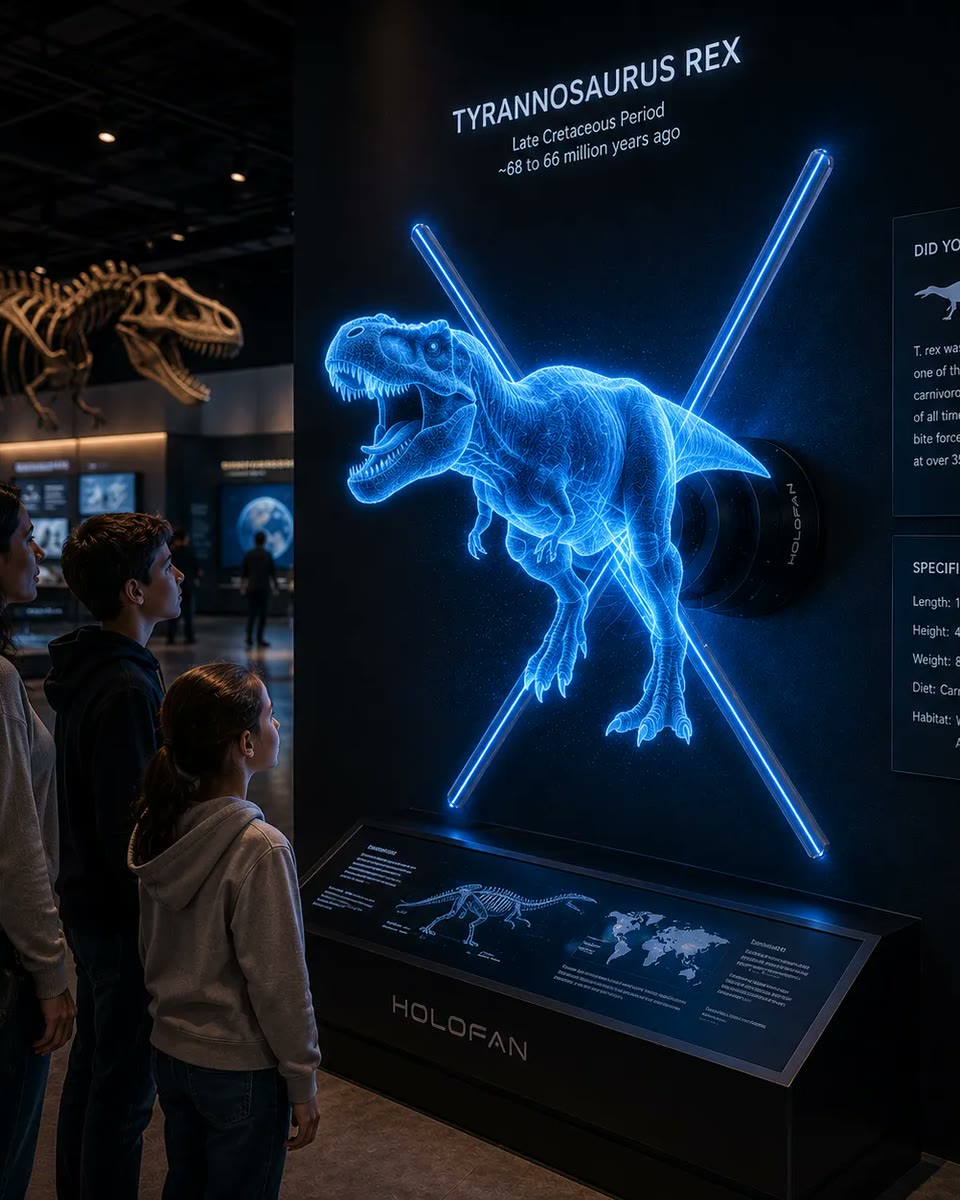
Isolated objects therefore appear to exist on their own in the surrounding space. Content design changes how convincing that is: a rotating 3D product surrounded by black space usually creates a stronger floating effect than conventional full-frame video.
HOLOFAN first-party test
Same display, four kinds of content.
Isolated 3D object
Full rectangular video
High-contrast logo
Complex low-contrast scene
Is the image actually 3D?
Not in a volumetric sense. A standard hologram fan doesn’t place independent points of light throughout open 3D space; its LEDs rotate within a display plane.
The depth you perceive comes from the content: perspective, rotation, lighting, shading, parallax within the animation and object movement. A rendered sneaker turning in the display can look solid even though every point of light is drawn in one plane, which is why well-made 3D content matters as much as the hardware. Whether a hologram fan counts as a “real” hologram is covered in What Is a 3D Hologram Fan?
What affects hologram fan image quality?
No single factor decides how good the image looks. The hardware, the content and the environment work together.
LED density
More addressable points of light can allow finer detail, but overall image quality depends on the whole system, not LED count alone.
Display diameter
A larger display creates a larger canvas, but larger doesn’t automatically mean sharper. Size and resolution are worth evaluating separately.
Brightness
Higher brightness can improve visibility in brighter spaces. Perceived brightness also depends on the content, viewing distance, ambient light, image coverage and LED configuration.
Rotational stability
Consistent rotation keeps the image positioned. Mechanical instability can affect perceived quality.
Source resolution
Content should be made for the display’s supported canvas and playback system. Footage at a higher resolution than the hardware can reproduce doesn’t add visible detail.
Content design
Often underestimated. A capable display can still look poor with badly designed content.
Content that tends to look strong
- Clean silhouettes
- High contrast
- Deliberate motion
- Subjects sized for the canvas
- Controlled detail
- Strong depth cues
Content that tends to look weaker
- Full-frame rectangular footage
- Complex, low-contrast scenes
- Dark subjects on dark backgrounds
- Dense or detailed text
Why does a hologram fan look different on camera?
Your eyes and a camera sample a rotating display differently. Your visual system integrates the rapidly changing light; a camera records discrete exposures, and their timing can fall in or out of step with the blades’ rotation.
The variables that matter are frame rate, shutter speed (or shutter angle) and sensor readout, including rolling shutter. Depending on how they interact with the rotation, footage can show banding, segmented blades, flicker or only part of the image, artifacts a person standing in front of the display may not see.
The rotating structure can also be more noticeable in person at certain viewing angles, distances, brightness levels or with certain content. That is normal for rotating POV displays.
HOLOFAN first-party test
Human eye vs camera capture.
Human-eye approximation
Poor camera capture
Optimized camera capture
How does content reach the display?
HOLOFAN uses two playback architectures, matched to how the display will be used.
WiFi / App. Content is loaded to the display and played locally, which suits looping retail visuals, trade-show playback and product demonstrations.
HDMI. The display acts as an endpoint for a connected source, such as a computer, media server, presentation system, interactive software or live production system. That suits content that needs to change dynamically. HDMI holographic displays
From 3D model to hologram playback
Because depth comes from the content, how a visual is made matters. HOLOFAN creates content for its own displays, and a typical 3D workflow runs like this. Simpler content, such as logos, typography and particle effects, can start as 2D motion graphics.
How the same technology scales
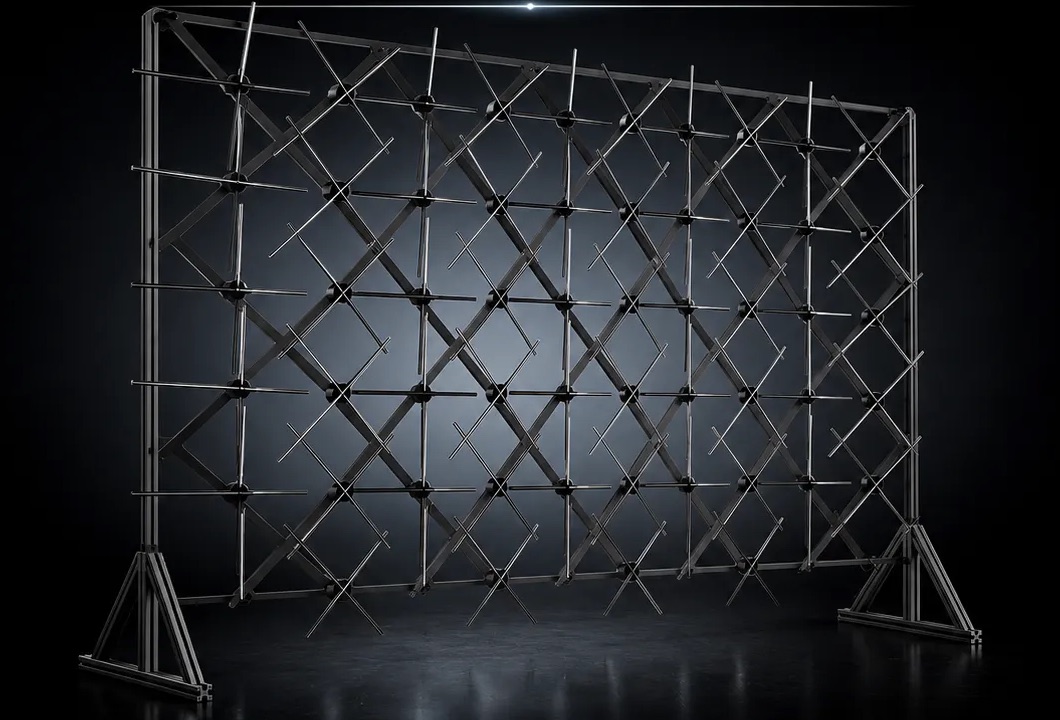
The rotating-LED principle isn’t limited to one display. Some multi-display configurations support synchronized or coordinated playback, but compatibility depends on the model and system configuration. HOLOWALL™ and HOLOHUMAN™ are designed as multi-display systems. Confirm compatibility before planning a custom multi-unit installation.
In a multi-display system the composition is planned across units: placement, spacing, content segmentation and viewing distance all affect how seamless it looks. See HOLOHUMAN™ and HOLOWALL™.
HOLOFAN technology in practice
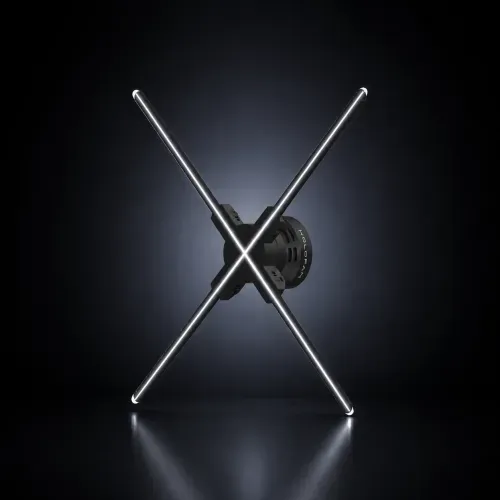
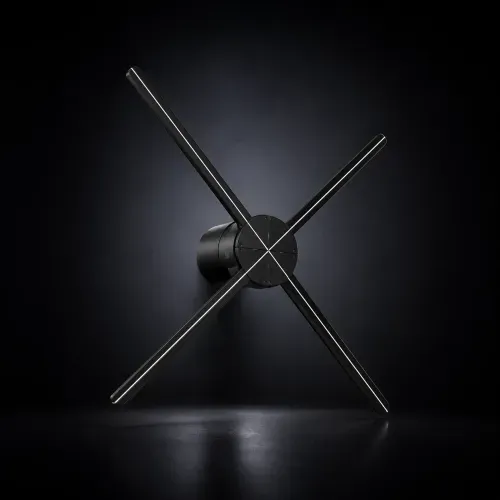
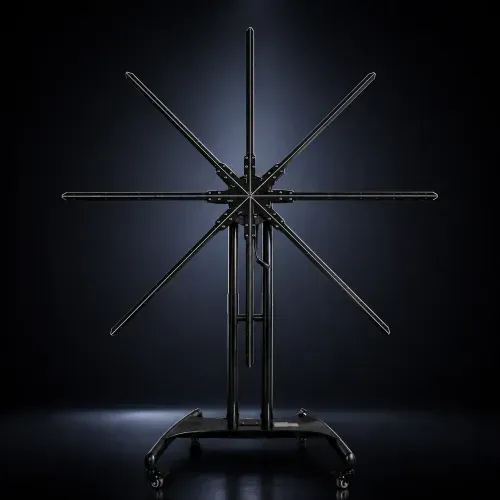
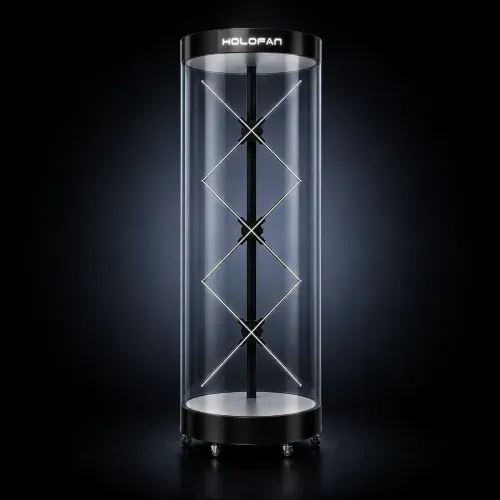
HOLOFAN applies rotating LED display technology across five commercial formats.
Technical notes: rotation speed and safety
Rotation speed
Varies by model
The blades rotate fast enough for individual LED positions to integrate into a continuous image. Exact speed varies by product and hardware architecture, so HOLOFAN publishes operating speed only where it has been verified for a specific model.
Safety
Installation matters
Hologram fans contain rapidly rotating parts. Commercial deployments should follow the manufacturer’s mounting, clearance, enclosure, operating and maintenance guidance. Where people can physically approach the display, additional protection such as a cover or enclosure may be needed, depending on the hardware and environment. Manuals and operating instructions
Real-world HOLOFAN examples
How it performs in real commercial environments.
FAQ
Frequently asked questions.
Short answers to the questions buyers ask most.
Do hologram fans actually spin?
Yes. LED blades physically rotate around a central motor, and that rotation forms the display area.
Does a hologram fan use a projector?
No. A hologram fan produces the image using LEDs mounted to rotating blades. It does not require a projection surface.
Why can’t I see the blades clearly while it’s running?
At operating speed the moving blades become less visually dominant than the illuminated LED pattern. Lighting, viewing angle, content and distance still affect how visible the hardware is.
Is a hologram fan displaying 3D pixels in the air?
No. Standard hologram fans don’t create independently addressable volumetric pixels in open space. The 3D appearance comes from the rotating LED display combined with content designed with depth cues.
Can hologram fans display people?
Yes. Human footage or rendered characters can be adapted for holographic display, although content preparation and display scale matter significantly. For life-size applications, multi-display vertical configurations can provide a more appropriate scale.
Can hologram fans display live content?
Some can. HOLOFAN HDMI models accept external video input for live or dynamically generated content. App/WiFi models play content that has been loaded to the display.
Can multiple hologram fans be synchronized?
Some multi-display configurations support synchronized or coordinated playback, but compatibility depends on the model and system configuration. HOLOWALL™ and HOLOHUMAN™ are designed as multi-display systems. Confirm compatibility before planning a custom multi-unit installation.
Why does a hologram fan look different on camera?
A camera’s frame rate, shutter speed and sensor readout interact with the display’s rotation, which can cause banding, flicker or partial images that the eye doesn’t see.
About HOLOFAN
Commercial holographic displays, content and support.
HOLOFAN provides commercial holographic display hardware, custom visual content, large-format holographic systems, and deployment support for retail, trade shows, events, installations, and enterprise applications.
About this guide
About HOLOFANReady to Build a Holographic Display?
Explore HOLOFAN's holographic displays for retail, trade shows, events, product showcases, and enterprise installations.