Buying guide
3D Hologram Fan Buying Guide: What Actually Matters Before You Buy
Buying a 3D hologram fan is not just about choosing the largest display or the model with the highest advertised resolution. The right display depends on how it will actually be used: viewing distance, lighting, content, playback, transport, run time and whether it stands alone or joins a larger installation. For commercial buyers, the biggest mistake is comparing hologram fans only by price.
The best hologram fan is not necessarily the largest or most expensive model. It is the one that fits the environment, content, audience, and operational requirements of your project.
On this page
At a glance
Start with the use case, not the hardware
Before comparing hardware specifications, define what the display is supposed to do. A hologram fan for a retail counter has very different requirements from one used at a large trade show.
01Environment
- Where will it be installed?
- How bright is the space?
- How far away will viewers stand?
02Audience
- Can viewers approach the display?
- How large should the holographic object appear?
03Content
- Will content loop automatically?
- Does it need to change live?
04Deployment
- Temporary or permanent?
- Does it travel?
- One display or multi-display?
A fast starting filter, not a prescription. The 10-Point Display Fit Check below is the full framework.
Your use case should determine the hardware—not the other way around.
Choose the size for where people will actually stand
Display diameter is one of the most important buying decisions. A larger hologram fan creates a larger visual canvas, but bigger is not automatically better. The correct size depends on viewing distance, available installation space, content type, product scale, the environment and the visual impact you need.
| Size class | Typical use | Product family |
|---|---|---|
| 11.8″ | Desktop and close-range applications | HOLOFAN |
| 25.6″ | Portable displays, counters, trade show booths | HOLOFAN |
| 31.5″ | Retail, exhibitions and events | HOLOFAN |
| 39.4″ | Larger product showcases and events | HOLOFAN |
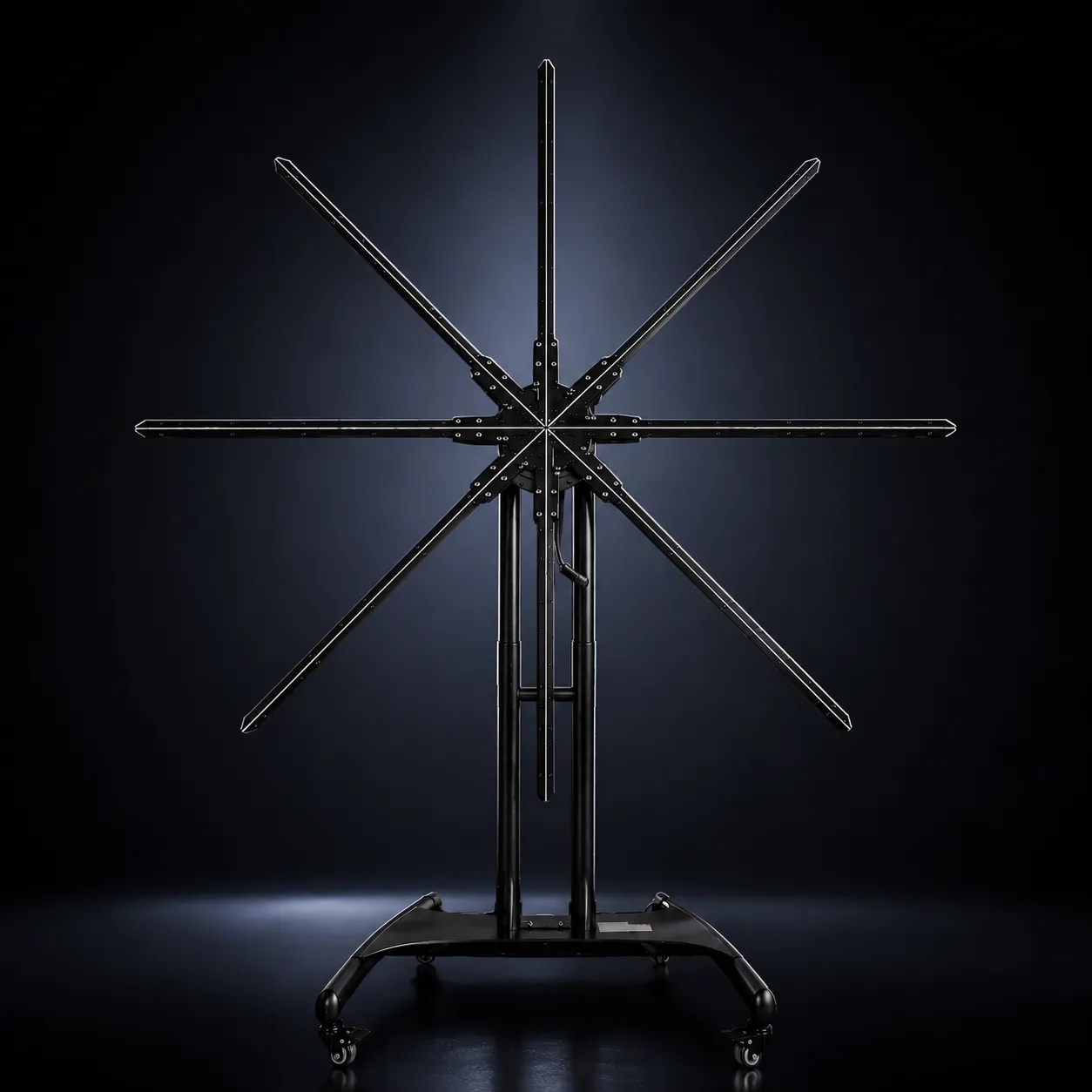
| 59″ | Large commercial installations | HOLOFAN MAX |
| 79″ | The largest single-display format | HOLOFAN MAX |
| Multi-display | Large-scale walls or life-size content | HOLOWALL™ · HOLOHUMAN™ |
Think in viewing zones
A smaller display can look excellent from close range but lose impact across a large venue. A larger display may be unnecessary in a small retail environment.
Close-range
Counters, kiosks, tabletop installations.
Mid-range
Retail stores, trade show booths, showrooms.
Long-range
Large exhibitions, stages, large-format installations.
Brightness and real image quality
Brightness matters more than most buyers realize. It affects how visible the holographic image appears against its surroundings. A display inside a dark showroom has different requirements from one under bright trade show lighting.
Evaluate in real conditions
Judge brightness where the display will actually run.
What affects perceived brightness
- Ambient light and venue lighting
- Nearby LED walls
- Window exposure
- Content contrast
- Display brightness
Before buying, always see
- Real footage, not renders
- Close-up footage
- Viewing-distance footage
- Real-world lighting
- The same type of content you plan to use
A bright display can still look weak if the content itself is dark or low contrast.
Do not judge image quality by “resolution” alone
Hologram fan specifications are often marketed using numbers that are difficult to compare directly. Two displays with similar specifications can produce noticeably different visual results.
Image quality depends on: LED count · blade layout · display diameter · controller quality · playback processing · content resolution · rotational stability · brightness · content design.
WiFi/App or HDMI: check the playback method
This is one of the most important functional differences between hologram fan systems: is the content loaded in advance, or does it arrive live?
WiFi/App models
Designed for content uploaded in advance and played locally.
Best for
Looping advertisements, retail displays, product showcases, trade shows, recurring promotional content.
Advantages
Standalone operation, simple deployment, no computer during normal playback, easy content updates.
Explore WiFi/App hologram fansHDMI models
Accept external video input.
Best for
Live presentations, interactive applications, dynamically generated visuals, media servers, real-time content, live production.
Explore HDMI holographic displaysIf your application depends on live content, software integration, or interactive visuals, standard preloaded-content models may not be sufficient.
Think about content before you buy the hardware
A high-quality hologram fan can still look underwhelming with poorly designed content. Content is one of the biggest variables in the final result.
Strongest: isolated products, rotating 3D objects, logos, characters, product reveals, particles, high contrast, deliberate motion, black or transparent-looking backgrounds.
Often weak: long text, small details, conventional full-screen video, complex backgrounds, low-contrast scenes, busy layouts.
Before purchasing hardware, determine
- Who will create the content
- What file format is required
- Whether 3D animation is needed
- How often content changes
- Whether content starts from existing CAD or product files
- What the display actually supportsFormats (MP4, MOV, image sequences, still images, proprietary, live input), resolution, frame rate, encoding, aspect ratio, maximum file size.
Do not assume a file that plays on one hologram fan will automatically work on another.
Commercial readiness
Is the display ready for commercial use?
Commercial installations place different demands on hardware than occasional home use. Hardware may run for extended periods, travel repeatedly and sit within reach of the public.
01
Build quality
Commercial use demands more than occasional home use.
What to check
Evaluate
- Motor quality
- Blade construction
- Mounting hardware
- Heat management
- Power supply
- Enclosure quality
- Cable durability
- Controller stability
Cheap hardware may be acceptable for experimentation. Commercial buyers should evaluate the complete operating environment.
02
Continuous operation
Not every hologram fan is designed for continuous commercial operation.
Buyer questions · confirm per model
What to check
Ask the supplier
- Recommended operating time
- Cooling requirements
- Maintenance requirements
- Startup / shutdown procedure
- Operating temperature
- Replacement-part availability
03
Installation and safety
Hologram fans contain rapidly rotating components.
What to check
Ask
- Can people physically reach the blades?
- Is the display mounted above eye level?
- Is a protective enclosure required?
- Is the stand stable?
- Is the power cable protected?
- Is the mounting system rated appropriately?
For public-facing installations, safety should be part of the purchasing decision—not an afterthought.
Stand / tripod and protective cover are available for supported HOLOFAN sizes. Wall mounting, enclosures, custom structures and permanent hardware are project-dependent.
04
Portability
For trade shows, the transport kit can matter as much as the display.
What to check
Evaluate the whole kit
- Display weight
- Stand
- Power supply
- Enclosure
- Cables and accessories
- Case
- Packed dimensions
A compact display may still be inconvenient to transport if the full kit requires several separate cases.
05
App and software
Once installed, managing content becomes part of everyday use.
What to check
Confirm with any supplier
- Upload process
- Supported devices
- Playback controls and scheduling
- Playlists and content management
- Firmware updates
- Multi-device control and synchronization
The best hardware can become frustrating if managing content is unnecessarily difficult.
On HOLOFAN app-controlled models: load, schedule and update content from a phone or PC with the HOLOFAN App; control by mobile app, Windows software or USB/TF card.
Safety, mounting and kit requirements depend on the venue. Confirm them before ordering, not at setup.
When one display isn’t enough
A single fan is ideal for a focused visual. Larger projects may need multiple displays for larger images, wall installations, vertical displays, human-scale experiences or stage visuals.
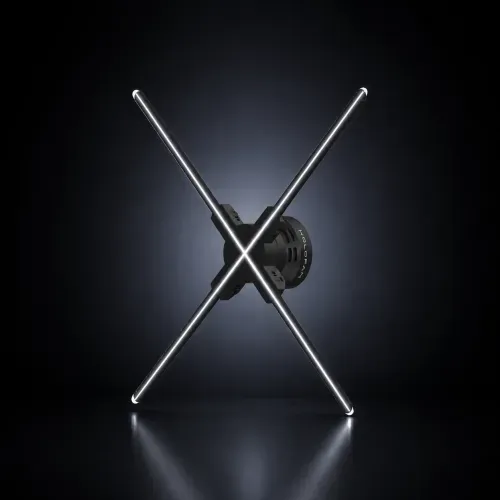 Single HOLOFANA focused visual from one display, 11.8″ to 79″.Product showcasesCounters and boothsRetail windows
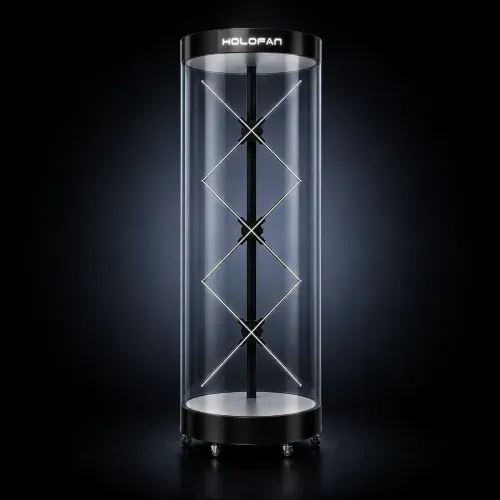 HOLOHUMAN™Consider when you need to show a person, presenter, character or human-scale figure. A vertical multi-display configuration creates a taller display area.Virtual presentersDigital ambassadorsConcierge experiencesBranded storytelling
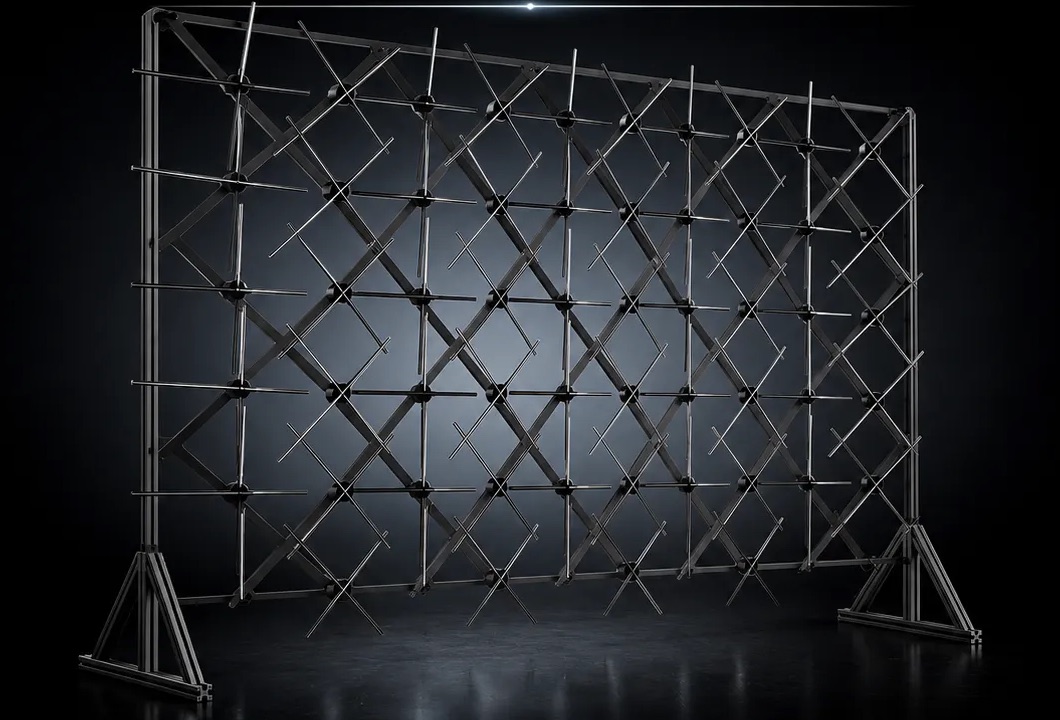 HOLOWALL™Consider when the display needs to dominate the environment. Multiple displays combine into a larger modular installation.Larger visual canvasPermanent or semi-permanentSafe multi-unit mountingContent designed for the layout
If you expect to expand later, ask whether the hardware supports multi-unit synchronization.
Compare total cost, not just the hardware price
The lowest hardware price does not always mean the lowest project cost. The correct comparison is the total cost of deployment.
- HardwareDisplay, stand, power, replacement parts
- InstallationMounting, enclosure, onsite setup
- ContentCustom content, software
- TransportCase, shipping
- SupportTechnical support, documentation
- MaintenanceParts and servicing over time
Total cost of deployment
Larger installations add: structure, engineering, labor, synchronization, content segmentation and onsite setup.
Warranty, parts and support
This matters much more in commercial environments than for one-time experiments. At a trade show or client-facing installation, downtime can cost more than the difference between two hardware prices.
- HOLOFAN warranty 1-Year Warranty
- HOLOFAN support U.S. based support
Ask any supplier: How long is the warranty? Who handles technical support? Is support domestic or overseas? How quickly can hardware issues be diagnosed? Are replacement parts available? Can blades or power supplies be replaced? Is there documentation? Are setup videos available?
Watch for these red flags
Be cautious when a hologram fan listing relies heavily on:
- Unrealistic “resolution” claimsAsk how the measurement is defined.
- Only rendered promotional videosLook for real camera footage.
- No footage in normal lightingDark-room footage can hide real-world limitations.
- No installation examplesCommercial hardware should have real deployment evidence.
- No dimensions or weightThese matter for actual installation.
- No support informationA hardware problem should not leave you without a clear contact.
- No replacement partsThis can become a long-term operational issue.
- No content guidanceHardware alone does not create a strong holographic experience.
HOLOFAN method
The HOLOFAN 10‑Point Display Fit Check
The ten questions HOLOFAN works through before recommending a display. Answer them before you compare models.
- 01Where will the display be used?Shapes Use case
- 02What is the primary objective?Shapes Use case
- 03How far away will viewers stand?Shapes Size class
- 04How large does the visual need to appear?Shapes Size or multi-display
- 05What is the surrounding lighting?Shapes Brightness and content contrast
- 06Is the installation permanent or portable?Shapes Mounting and kit
- 07What type of content will be displayed?Shapes Content plan
- 08Does the content need to update live?Shapes WiFi/App or HDMI
- 09Can viewers physically approach the hardware?Shapes Safety and enclosure
- 10What does the full deployment need to include?Shapes Total cost
A starting framework, not a guarantee. Every environment is different.
Book DemoWhich hologram fan should you choose?
Use this framework as a starting point.
| If you need | Consider |
|---|---|
| Close-range desktop or counter display | 11.8″ class display |
| Small portable product display | 25.6″ class display |
| Medium retail or event display | 31.5″ class display |
| Larger trade show focal point | 39.4″ class display |
| Large single display | 59″ class display (HOLOFAN MAX) |
| The largest single display | 79″ class display (HOLOFAN MAX) |
| Simple looping content | WiFi/App model |
| Real-time content | HDMI model |
| Large modular visual | HOLOWALL™ |
| Human-scale vertical display | HOLOHUMAN™ |
This is not a substitute for evaluating the specific environment.
Real-world HOLOFAN examples
How it performs in real commercial environments.
FAQ
Frequently asked questions.
Short answers to the questions buyers ask most.
What size hologram fan should I buy?
Choose based on viewing distance, available space, desired visual scale, content, and the environment—not size alone. A larger display is not automatically the better fit.
Is a bigger hologram fan always better?
No. A larger display can provide more visual presence, but it may be unnecessary for close-range applications and can increase installation requirements.
What is the best hologram fan for trade shows?
For many booths, portability, viewing distance, brightness, setup time, and content quality matter more than maximum size. The appropriate model depends on the booth and objective.
What is the best hologram fan for retail?
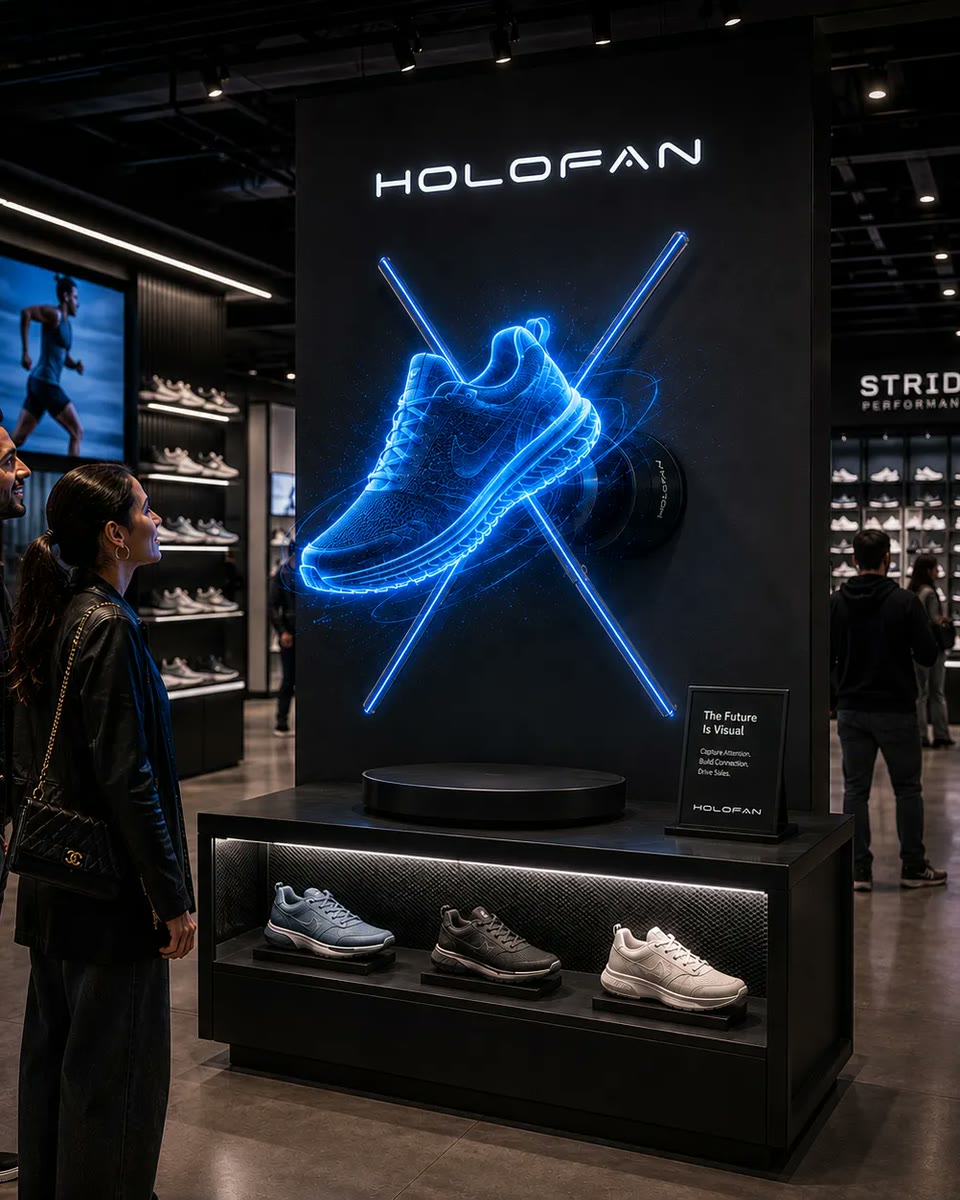
Retail installations typically benefit from reliable looping playback, strong content, appropriate brightness, and a display size matched to viewing distance.
Should I choose WiFi or HDMI?
Choose WiFi/App models for preloaded content. Choose HDMI when content needs to be live, interactive, or generated from an external source.
How important is brightness?
Very. Brightness affects perceived visibility, especially in bright commercial environments. But content contrast and ambient lighting also matter.
Can multiple hologram fans be synchronized?
Some multi-display configurations support synchronized or coordinated playback, but compatibility depends on the model and system configuration. HOLOWALL™ and HOLOHUMAN™ are designed as multi-display systems. Confirm compatibility before planning a custom multi-unit installation.
Do I need custom 3D content?
Not always. Logos, graphics, and existing animations can work, but purpose-built 3D content usually produces a stronger floating-object effect.
About HOLOFAN
Commercial holographic displays, content and support.
HOLOFAN provides commercial holographic display hardware, custom visual content, large-format holographic systems, and deployment support for retail, trade shows, events, installations, and enterprise applications.
About this guide
About HOLOFANReady to Build a Holographic Display?
Explore HOLOFAN's holographic displays for retail, trade shows, events, product showcases, and enterprise installations.